Self Service Kiosk (Beta)
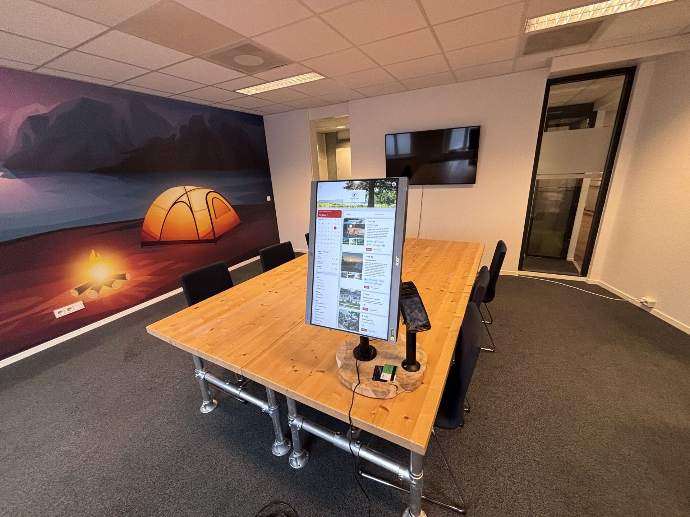
Automate or speed-up your check-in process with the use of our kiosk. An easy to use application that runs on any operating system, 100% in the cloud.
Self Service reception
Our kiosk is your best reception buddy. Send a reservation directly to a kiosk and let guests fill in missing information, pay and check-in. This decreases the check-in time by 60% and your employees can focus on more important tasks instead.
Reception-less
With the Kiosk there is no need for a reception anymore. You can let new guests create a reservation, check-in, check-out and book extra days. This is how you automate all the required tasks during the stay of your guest.
Payment terminals
The Kiosk is fully compatible with Camping.care payments. This means we can supply you with any pin terminal that suits your situation.
Features
Check-in
When guests already made a reservation online, they will receive a 6 digit code. With this code they can login to the kiosk during their stay. They can complete their details, pay the outstanding amount and check-in.
Check-out
Once the guests are ready to leave, they can just check-out at the kiosk. Before checking-out the system will check if there is any outstanding amount to be paid. If everything has been paid guests can check-out directly.
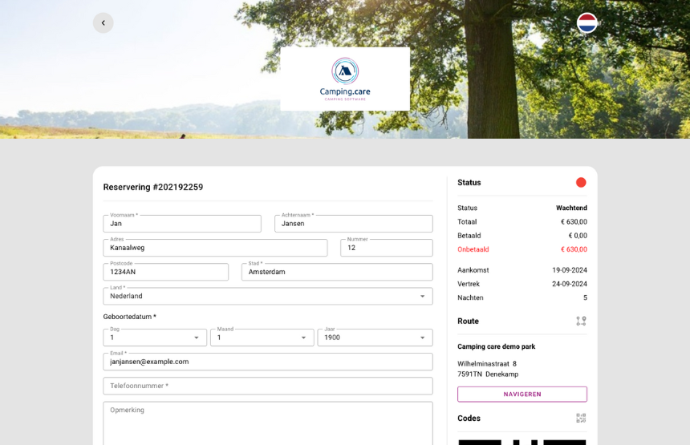
Guests can create a new reservation, we have selected today’s arrival day and they simply choose how many nights they would like to stay. They can fill in their details, pay and check-in automatically.
New reservation
Send to kiosk
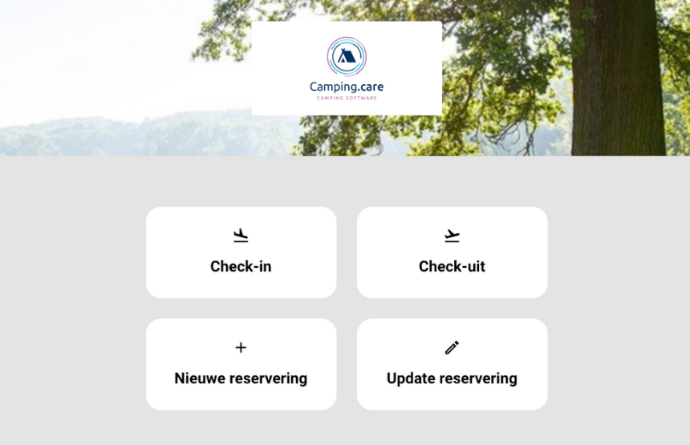
Send a reservation from your backoffice directly to the kiosk. So you can make the reservation in the system and the guest can complete it by entering their details and pay directly on the pin terminal.
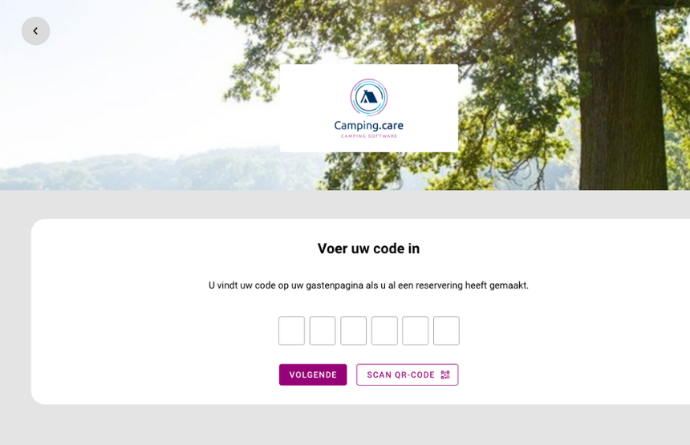
By default the kiosk works with our license plates API and Codes API.
This makes it easy to integrate with any provider for access control. This let your guests enter your property directly by adding their license plate or with a QR code.
Access control
Add extra days
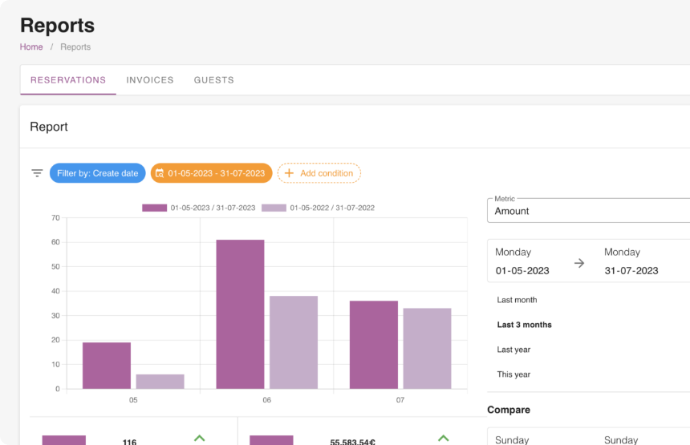
Often guests decide to stay a couple of extra days. No problem, we offer this option on request.
How it works
1. New reservation: make a reservation. Online, Kiosk or the backoffice.
2. Code generation: we generete 6 digits (QR) code, send it by email and publish it on the guest page.
3. Login: during the stay, the guest can use this code to login into the Kiosk.
Payments
Receive payments very easily by setting up a payment provider. We work with all the industry leading companies to make the perfect integration.

And a lot more
User & Access Management
Multi Users
Single Sign On (SSO)
Role Based Authentication
Onboarding
Pricing & Booking Management
Daily pricing
Allotment pricing
Dynamic pricing
Group bookings
Discount cards
Vouchers
API Integration
Multi language, multi currency & multi property
Google Workspace & Microsoft 365 integration
Automated & bulk e-mails
ICal feeds
Academy (training)
Website integration
Audit trail
Custom fields